Self-hosted · R and Python
Develop locally. Deploy with confidence.
ShinyHub gives authors of R Shiny, Python Shiny, Dash, and Streamlit apps one safe development command, then deploys and operates the same applications with built-in authentication, scaling, hibernation, and observability.
Your directory chooses the scope. Add --remote <host> only when the app needs
that host. Source stays untouched, and only healthy edits reach the browser.
From source to a dependable URL
- Develop safely
shinyhub dev . runs the production-shaped route and swaps in an edit only after it becomes healthy.
- Preview the change
shinyhub plan shows the exact archive, manifest effects, permissions, and lifecycle changes without mutating the server.
- Deploy with progress
Follow dependency preparation, replica readiness, routing, and recovery through one stable CLI workflow.
- Operate by outcome
Keep viewer sessions responsive with hibernation, render pacing, worker isolation, metrics, and tracing.
shinyhub dev ./my-app  # edit safely; Ctrl-C when ready
shinyhub connect https://hub.example.com --name prod
shinyhub doctor ./my-app
shinyhub plan ./my-app
shinyhub deploy ./my-app --open
Start small, keep the path forward
Use the same Go binary for a local evaluation, a single Docker host, or a PostgreSQL-backed multi-node deployment. Runtime tiers let one control plane place applications locally, on remote Docker workers, or on AWS Fargate.
Built for everyone in the delivery chain
Developers get one continuous path from the first local edit to a traced remote deployment. Operators get explicit state, bounded resources, and recovery paths. Viewers get the part that matters: a dashboard that opens quickly and stays dependable.
Where ShinyHub fits
ShinyHub is for a team that has a Linux host and a handful of Shiny, Dash, or Streamlit applications, and wants them behind real URLs with logins, deploys, logs, and an audit trail, without running a platform to get there. The comparison is usually against Posit Connect, ShinyProxy, or a Docker Compose setup someone assembled by hand, and it comes down to a few axes.
- Cost and licensing. MIT, self-hosted, no per-user or per-application license.
- What you have to operate. One Go binary and one SQLite file. No JVM, no Kubernetes, no broker, and no database server to run. Postgres is optional and only for multi-instance HA.
- How apps run. As ordinary host processes by default. A container per
application is opt-in (
runtime.mode: docker), a container per browser session is never required, and idle applications hibernate instead of holding memory. - What you assemble yourself. Nothing for the common path: routing, login (OAuth, OIDC, or an auth proxy), per-app access control, logs, metrics, and deployment history are in the box.
Where it is deliberately not the answer: the native runtime is not a security boundary between tenants who do not trust each other. Use the Docker runtime or separate hosts for that, and read Do not run mutually-untrusting tenants on the native runtime before deciding. For what the host itself needs, see What it needs to run.
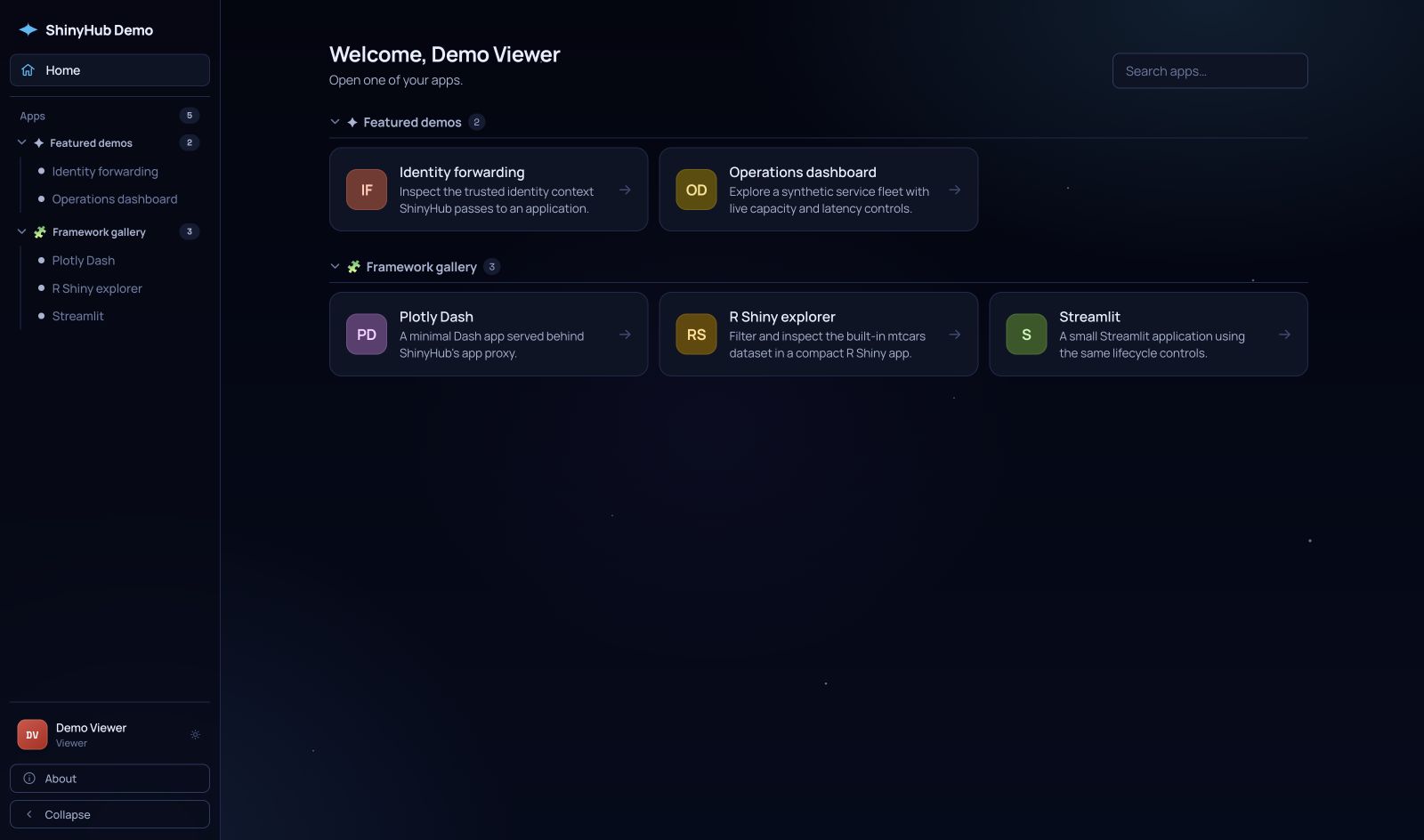
See a real ShinyHub instance
The public demo runs curated applications on an isolated app origin. Open an app anonymously, or enter with one click for a read-only tour of the actual control plane.